Is Your Network Secure? 7 Key Questions
Network security is one of those topics most business owners don’t think about, until something goes wrong. Slow internet gets blamed on the provider, odd computer behavior on viruses, and we rarely consider who actually has access to our network.
The truth is that your router, that quiet device sitting in the corner of your office, decides who can access your data, how secure your communications are, and what happens when someone from the outside tries to connect to your network.
Here are 7 questions that help you assess the real state of your business network. You don’t need to be an IT expert to understand them, but the answers might reveal serious gaps.
1. Is your router still using the factory default account?
Most network devices ship with a username of “admin” and a blank or simple password. This information is publicly available. Anyone can look up the manual for your router model and find those credentials.
Automated programs constantly scan the internet looking for exactly these devices. If your router is still using factory defaults, it’s like leaving the key in your front door lock.
What to do: Ask your IT person to confirm that the factory account has been replaced with a unique username and strong password.
2. When was the router software last updated?
Just like your phone or computer, your router has software that needs regular updates. Each update patches known security vulnerabilities, flaws that attackers are actively exploiting.
MikroTik devices, which we use in our projects, are known for regular security patches. But a patch doesn’t help if no one installs it. A router that hasn’t been updated in over 6 months likely has known vulnerabilities.
What to do: Ask who is responsible for updating your network equipment and how often it’s done. If nobody knows the answer, that’s a problem.
3. Does your network have a firewall, and is it properly configured?
A firewall is your network’s digital security guard. It decides which traffic is allowed in and which gets turned away. Without one, your network is as open to the internet as a house without doors.
Surprisingly, many business routers ship with no firewall rules configured at all. That means it’s up to you (or your IT professional) to set them up. If nobody has, every device on your network is potentially visible from the internet.
What to do: Ask your IT professional to confirm that firewall rules are active and blocking unauthorized incoming traffic.
4. Are guests on the same network as your business computers?
Picture this: a client or vendor visits your office, asks for the WiFi password, you give it to them, and now they’re on the same network as your server with financial data, your printer, and your workstations. They don’t intend any harm, but their infected laptop can automatically spread malware across the entire network.
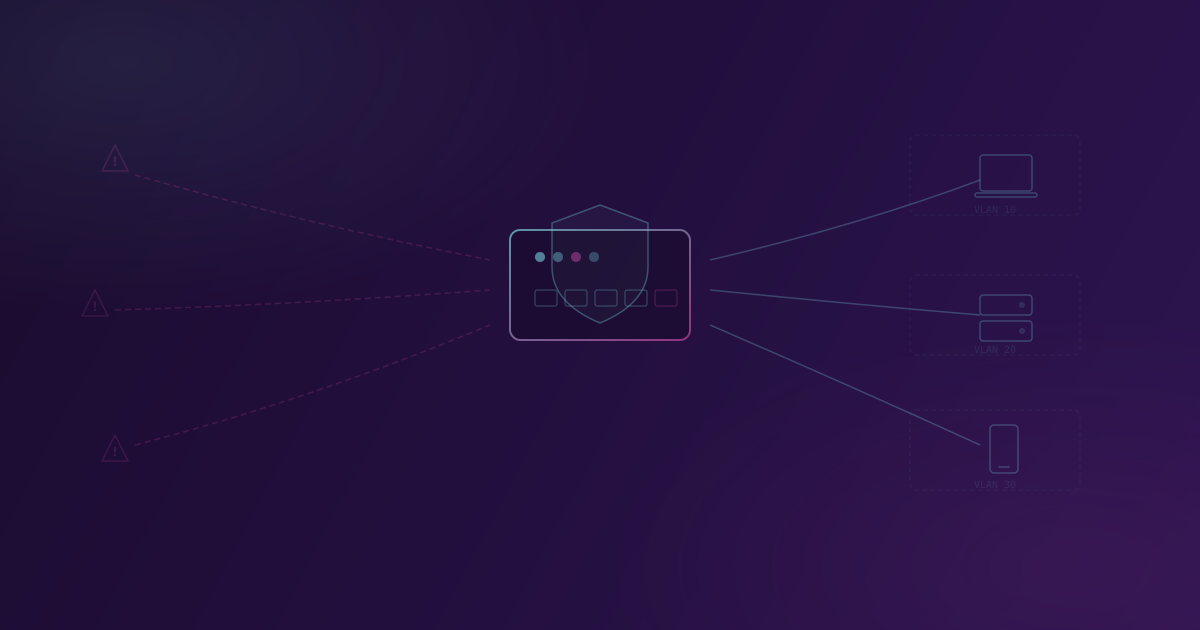
The solution is called VLAN segmentation, which means splitting the network into isolated zones. Guest WiFi, the business network, and IoT devices (cameras, printers, smart devices) each live in their own “virtual office” and can’t access each other.
What to do: Check whether you have a separate guest network. If guests use the same WiFi password as your employees, you don’t have segmentation.
5. What happens when someone enters the wrong password 50 times in a row?
On your bank account, after 3 wrong attempts, the account locks. What about your router? If there’s no protection against repeated login attempts (called brute-force attacks), automated programs can try thousands of password combinations every minute.
A professionally configured network automatically blocks IP addresses that repeatedly fail to authenticate. It’s a simple measure that dramatically reduces the risk of unauthorized access.
What to do: Ask whether your network is protected against automated login attempts.
6. Can someone from the outside abuse your DNS?
DNS is the system that translates website names (like google.com) into numerical addresses. Your router probably performs this function for all devices on the network. If this function is also accessible from the internet, not just from your local network, your device can be abused to attack others.
Beyond that, an unprotected DNS can allow attackers to redirect your traffic to fake websites. Imagine your employees thinking they’re opening the bank’s website, but actually entering credentials on an attacker’s page.
What to do: Request a check that DNS on your router is only accessible from within the local network.
7. Do you have visibility into what’s happening on your network?
If you’re not monitoring network traffic and access attempts, you won’t know something is wrong until it’s too late. It’s like having an alarm on your office but never checking the notifications.
A professionally configured network logs key events: who tried to connect, which traffic was blocked, whether unexpected changes occurred. You don’t need to read these every day, but when an incident happens, they’re invaluable for understanding what occurred and how to prevent it from happening again.
What to do: Ask whether your network equipment keeps activity logs and who reviews them.
The result: how many did you answer with “I don’t know”?
If you answered most questions with “I don’t know” or “I’m not sure”, you’re not alone. Most small and medium businesses don’t have someone responsible for network security, and a router that was set up once often runs for years without any review.
But that doesn’t mean the problem doesn’t exist. It just means you haven’t seen it yet.
The good news is that most of these issues can be resolved in a single day of professional work. Expensive equipment isn’t necessary. MikroTik devices provide professional-grade protection at a price accessible to small businesses. All you need is someone who knows network infrastructure.
If you’d like to check the state of your business network, get in touch for a free consultation. We’ll review your network and suggest concrete steps to improve security.
Related Posts

How to Write a Good Brief for a Software Project
You don't need a technical specification. But showing up with 'I need an app' isn't enough either. Here's what actually helps.

What Custom Software Development Actually Looks Like
Custom software development doesn't have to be a black box. Here's what the process looks like from first meeting to launch.